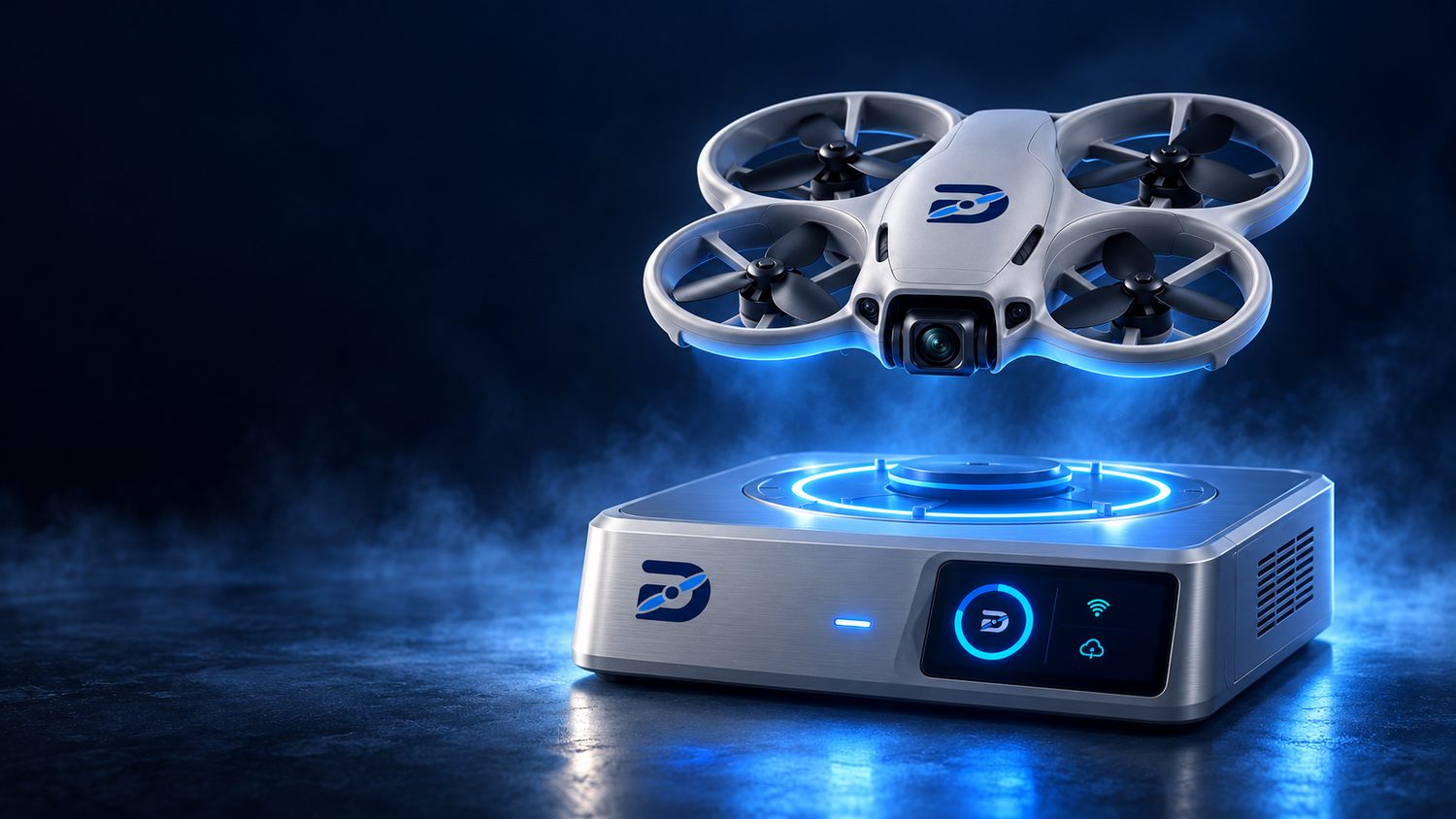
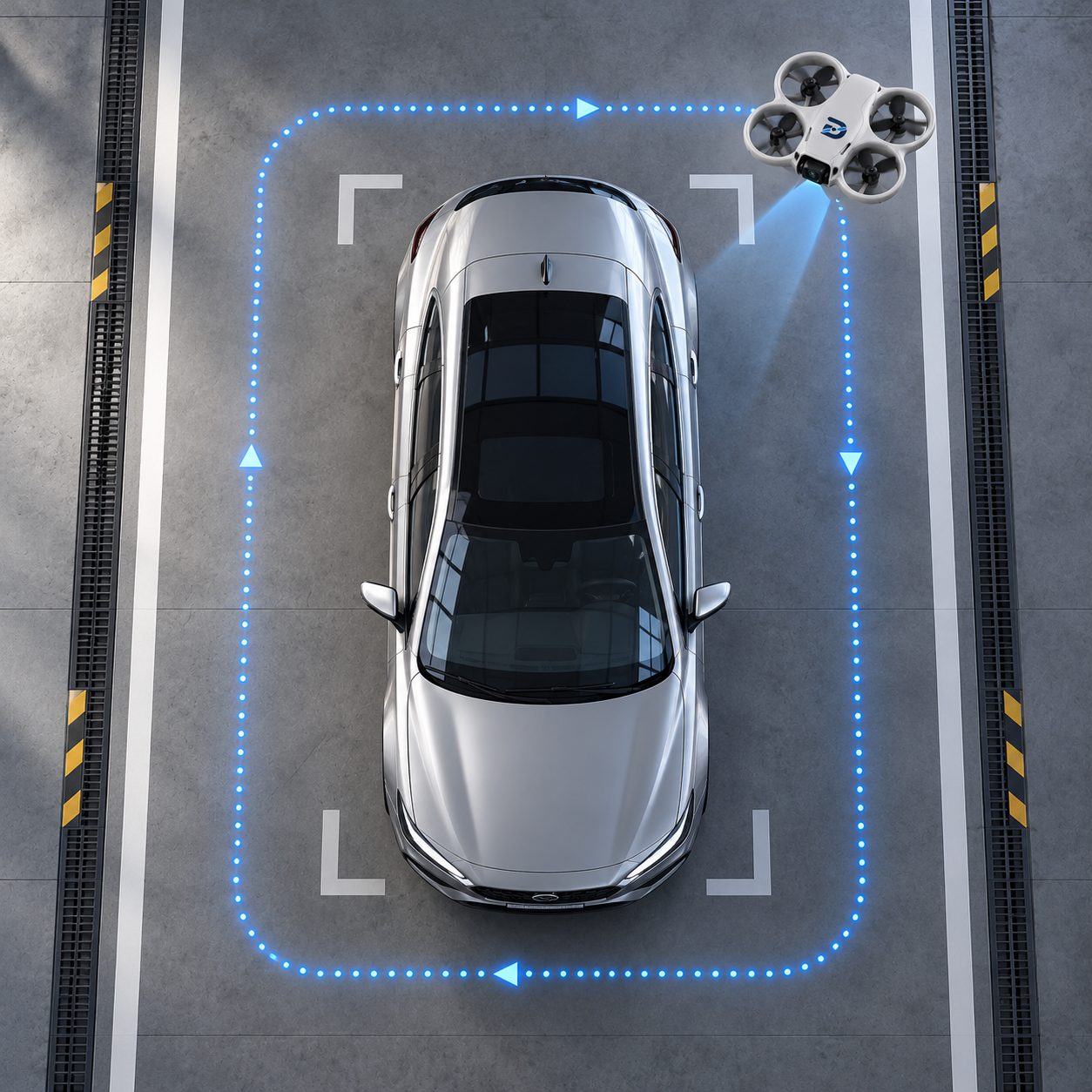
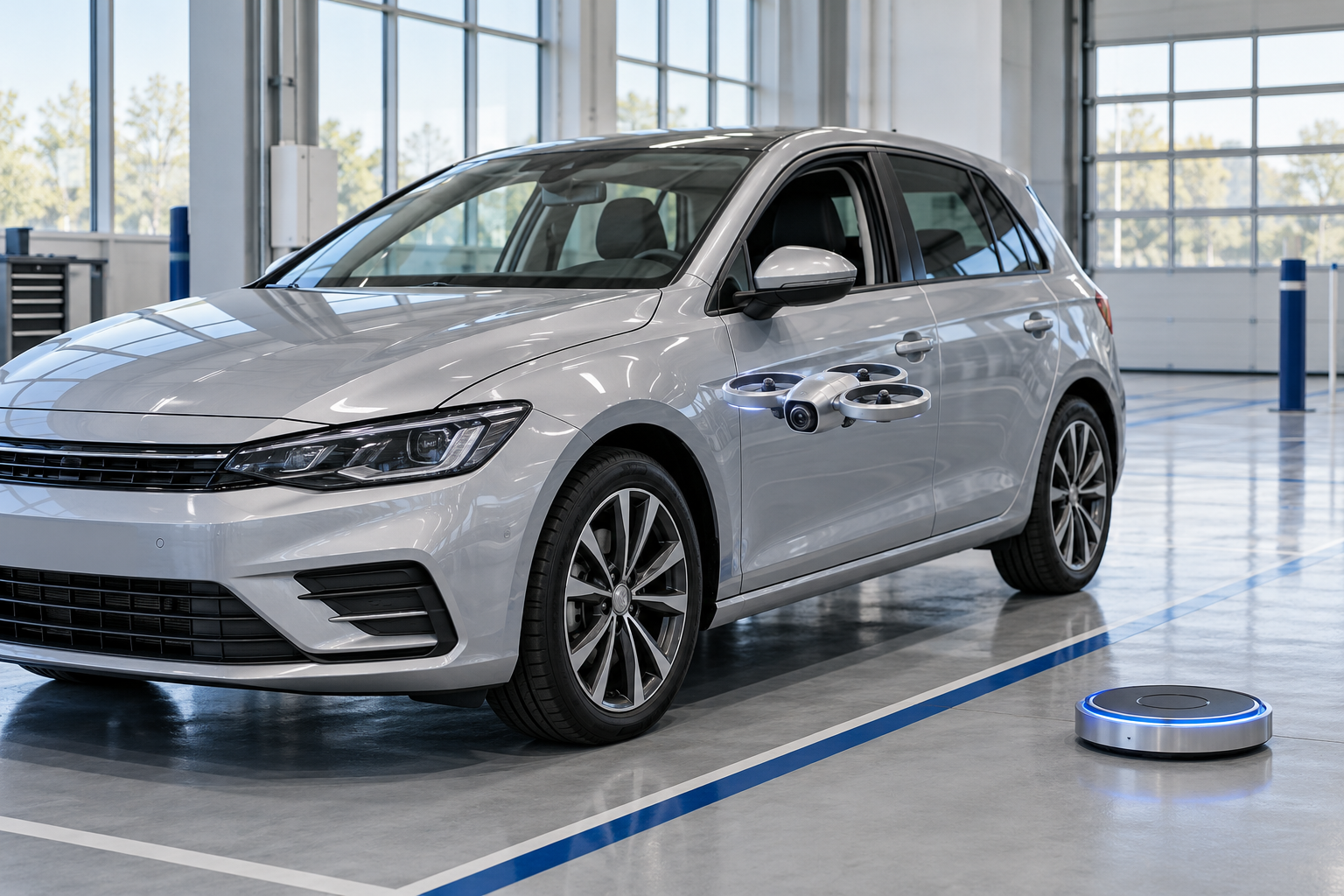
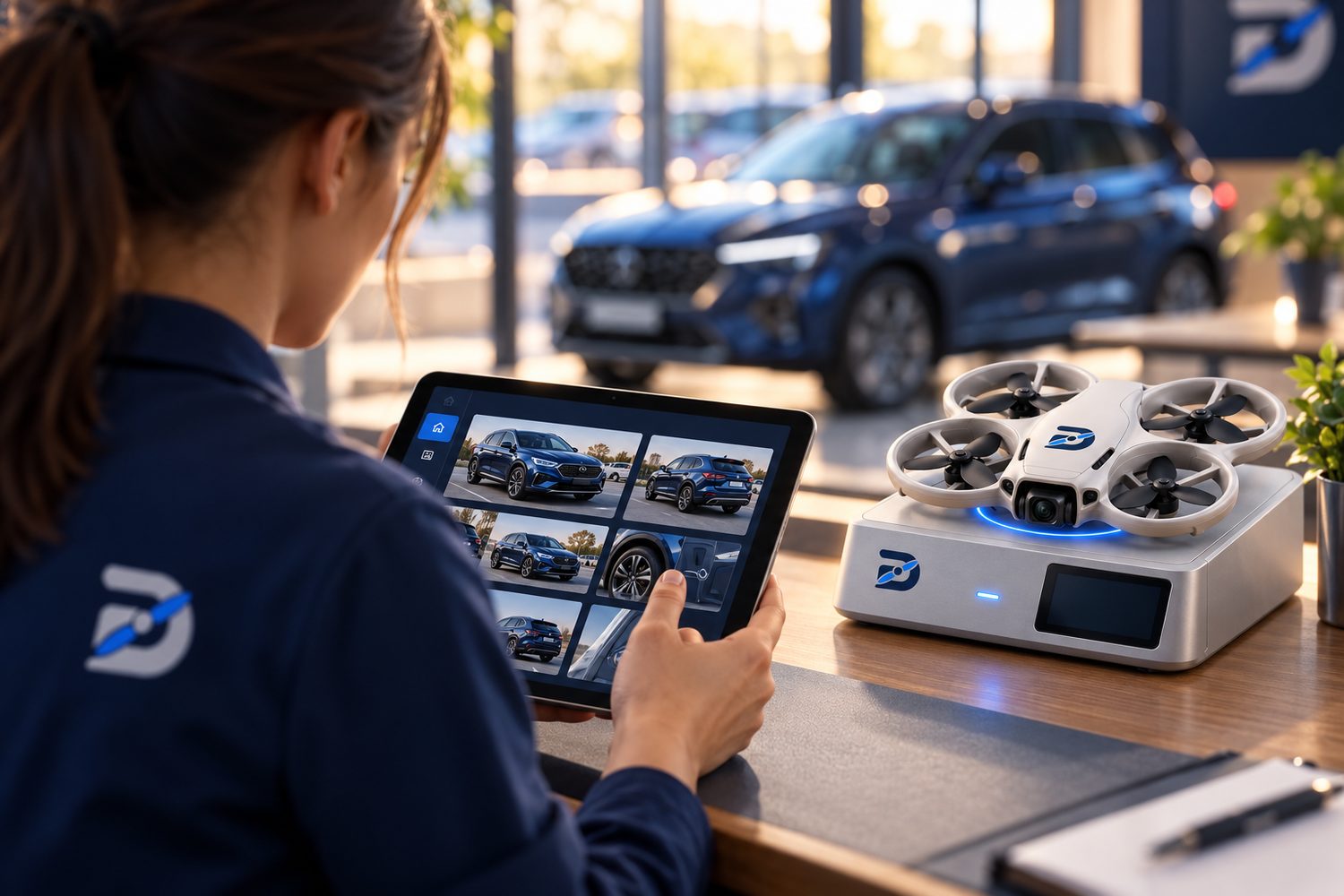
Here is what each part does, and how they work together on every mission.
The loop
How the three parts talk.
The software sends the mission. The drone flies it. The dock brings the results home.
SoftwareAn operator picks the vehicle and starts an approved mission.
ROUTE + VIEWS
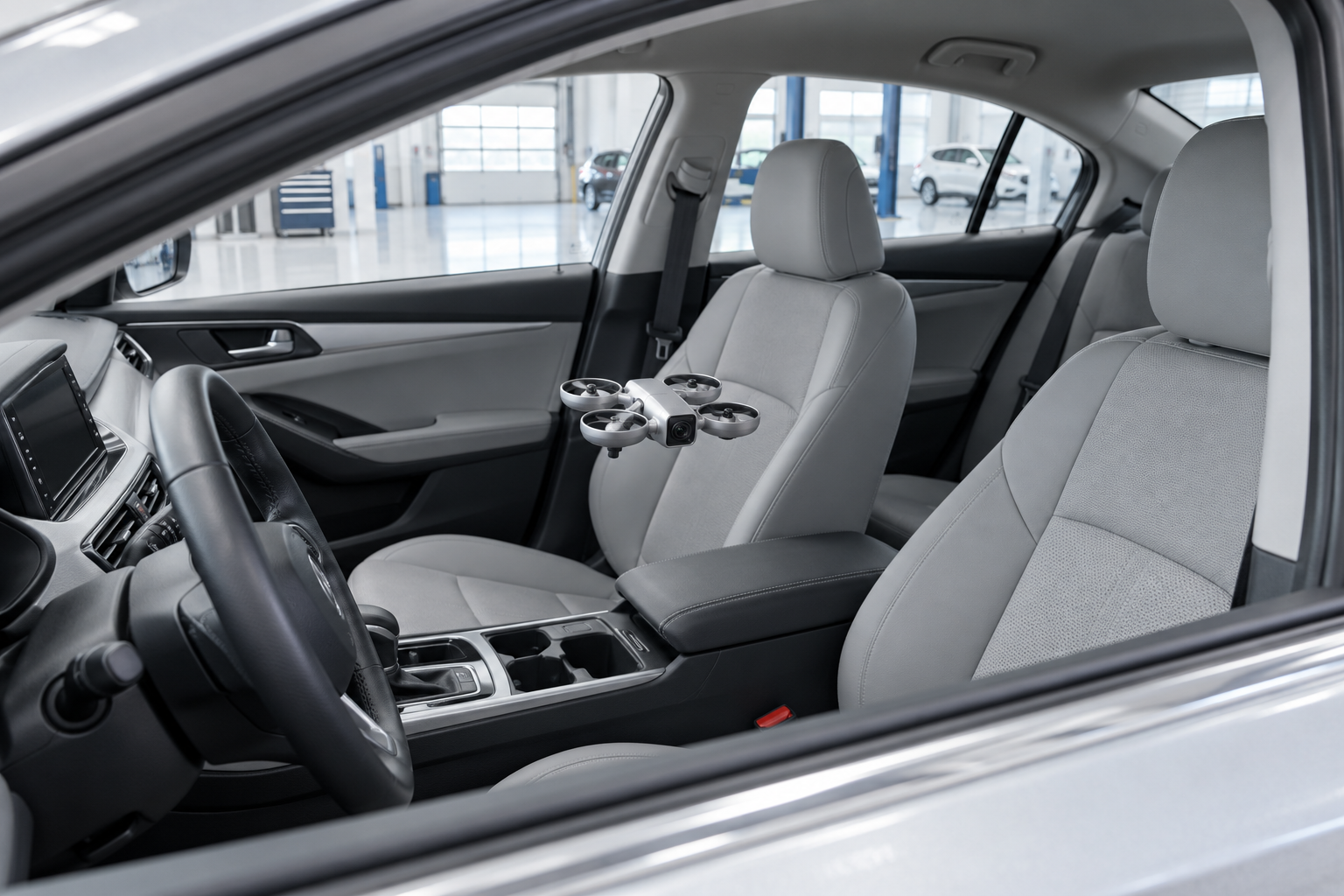
DroneIt takes off, flies the route and captures every required view.
LANDS
DockIt charges the drone and sends the images back.
Then back to the software: the images arrive as one record per vehicle, ready for a person to review.
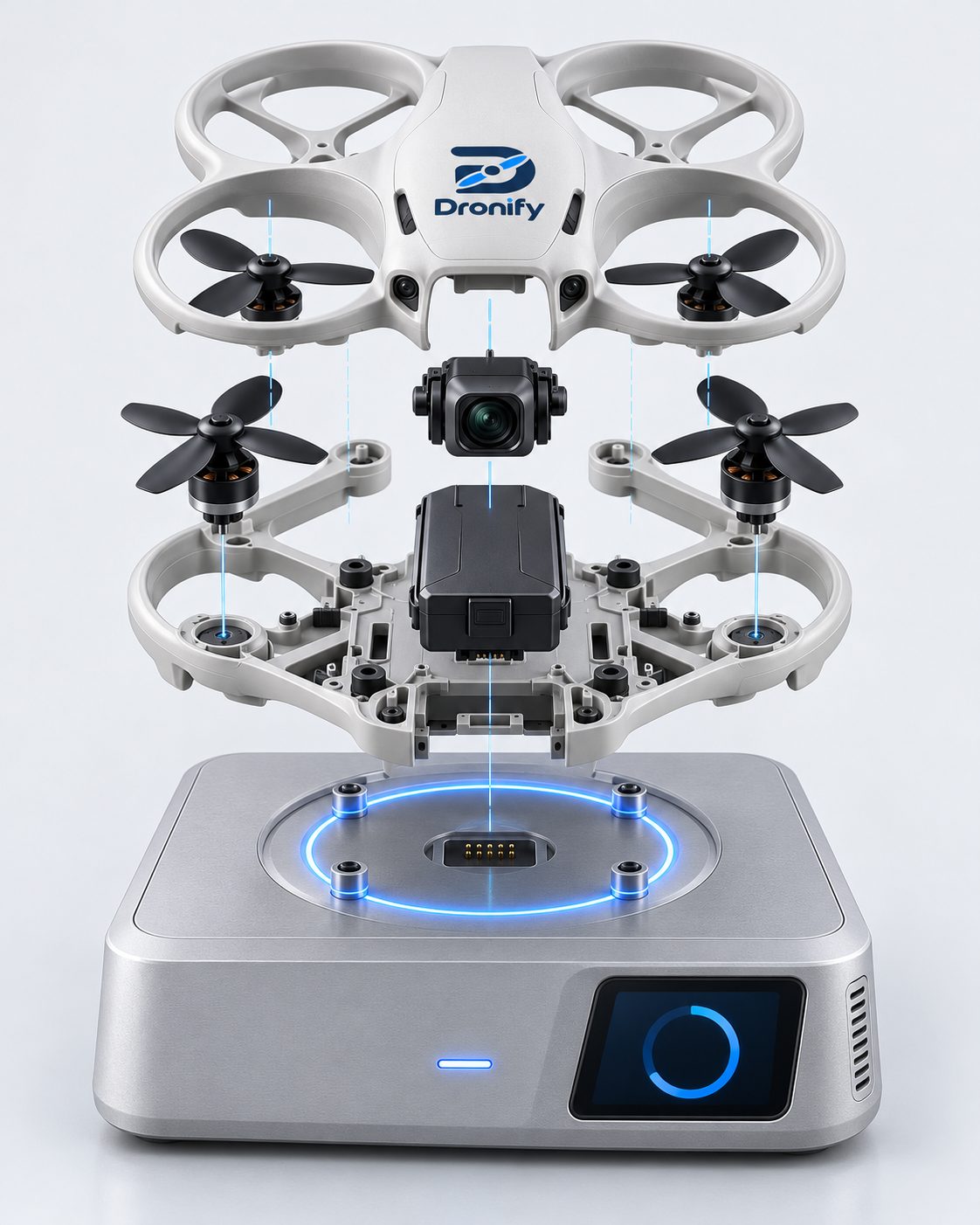
Illustrative exploded view
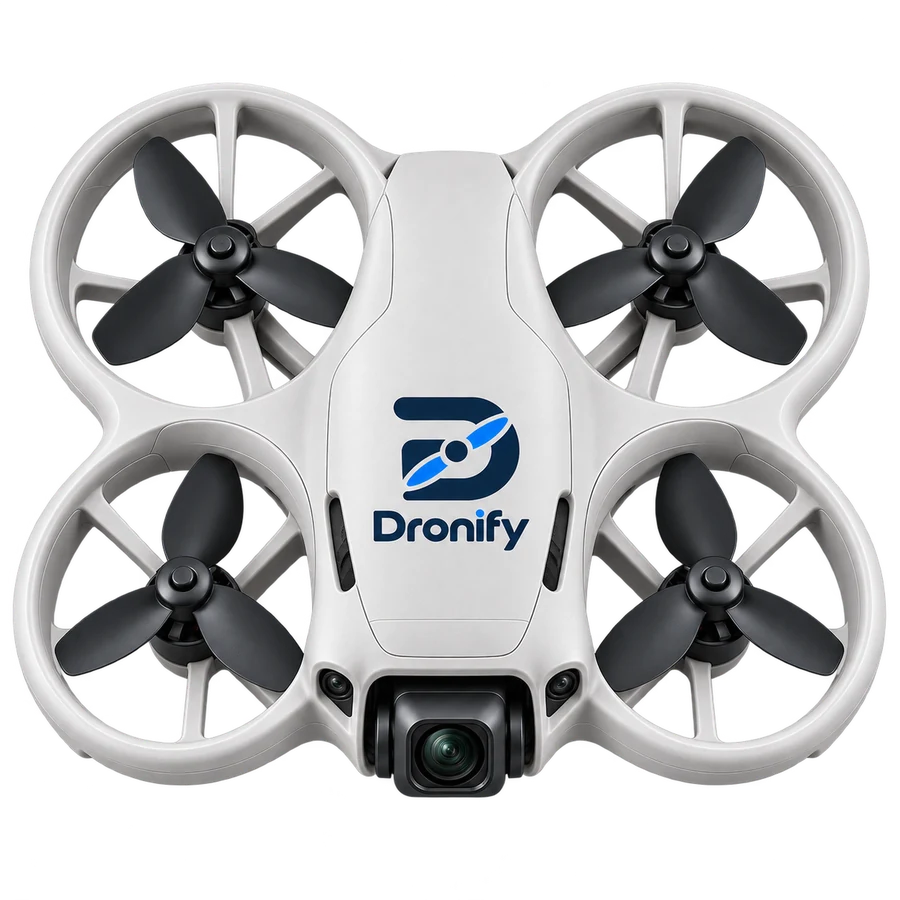
01 / THE DRONE
Small enough to work close.
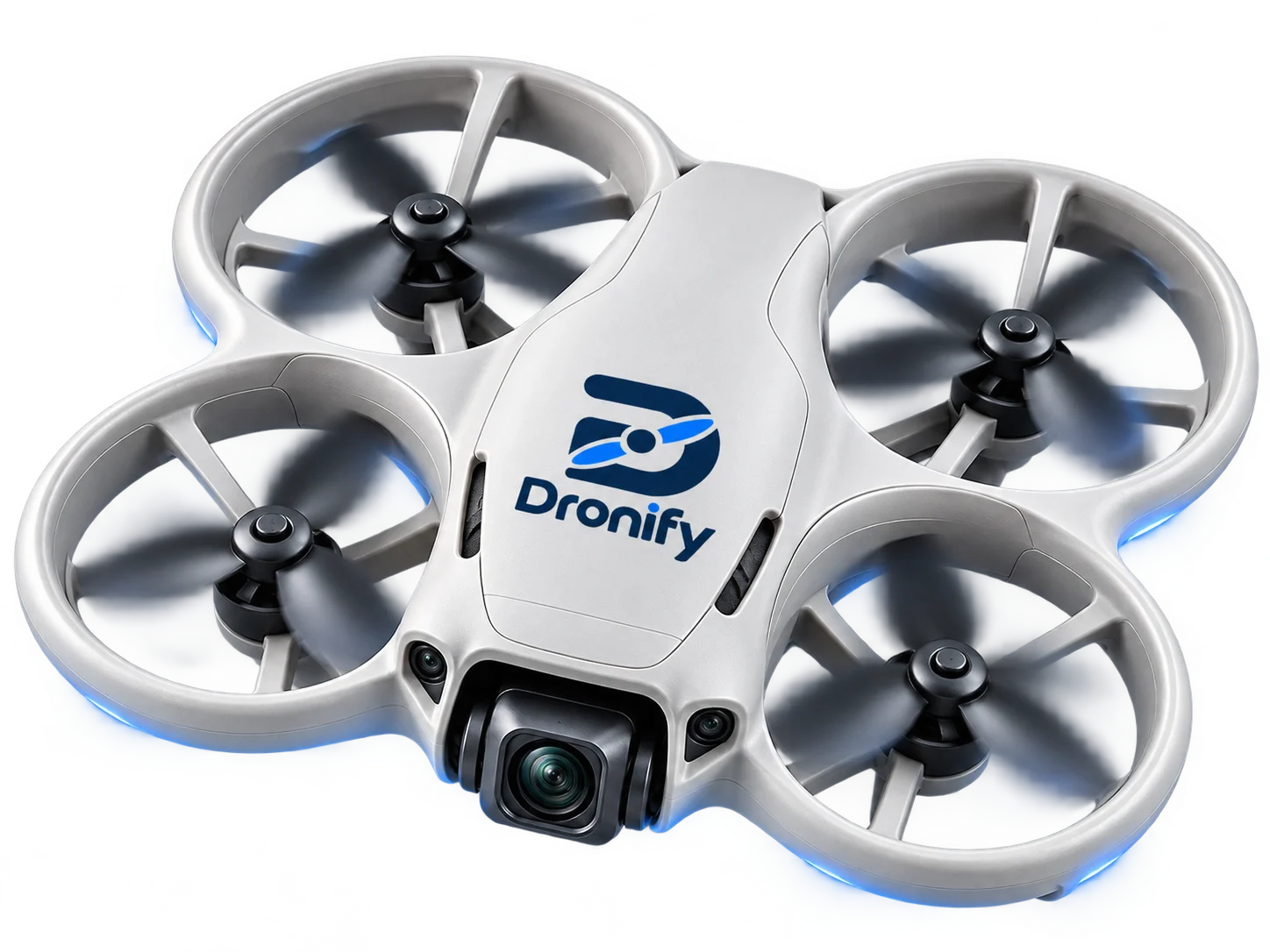
A compact camera drone built for one job: flying the same route around a vehicle and capturing the same views, every time.
Protected propellers
Four ducted guards around the blades, for safer flight near cars and staff.
Front camera
Captures the photos and video each mission asks for.
Flight controller
Follows the approved route inside the site's defined operating area, then heads home.
Battery
Sized for about 30 minutes of flight before returning to recharge.
Prototype in developmentTimings are sizing assumptions
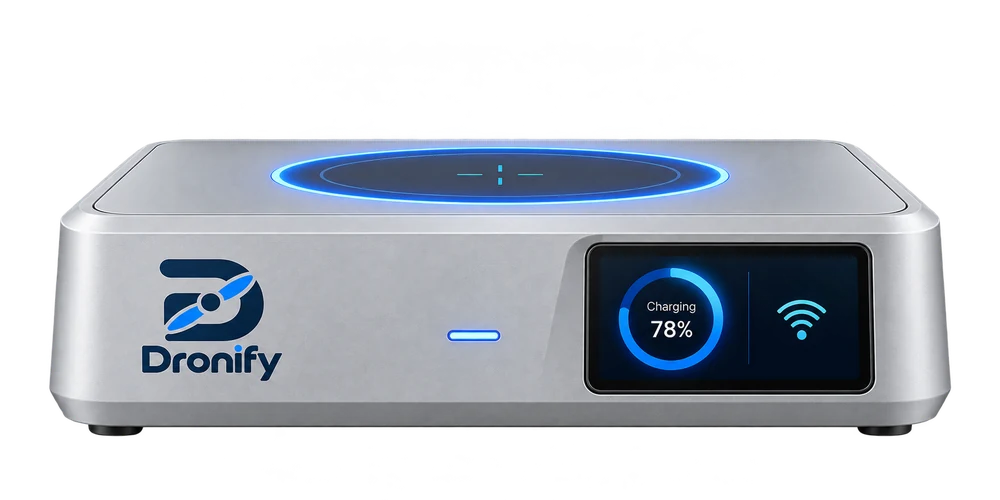
02 / THE DOCK
Where every mission ends.
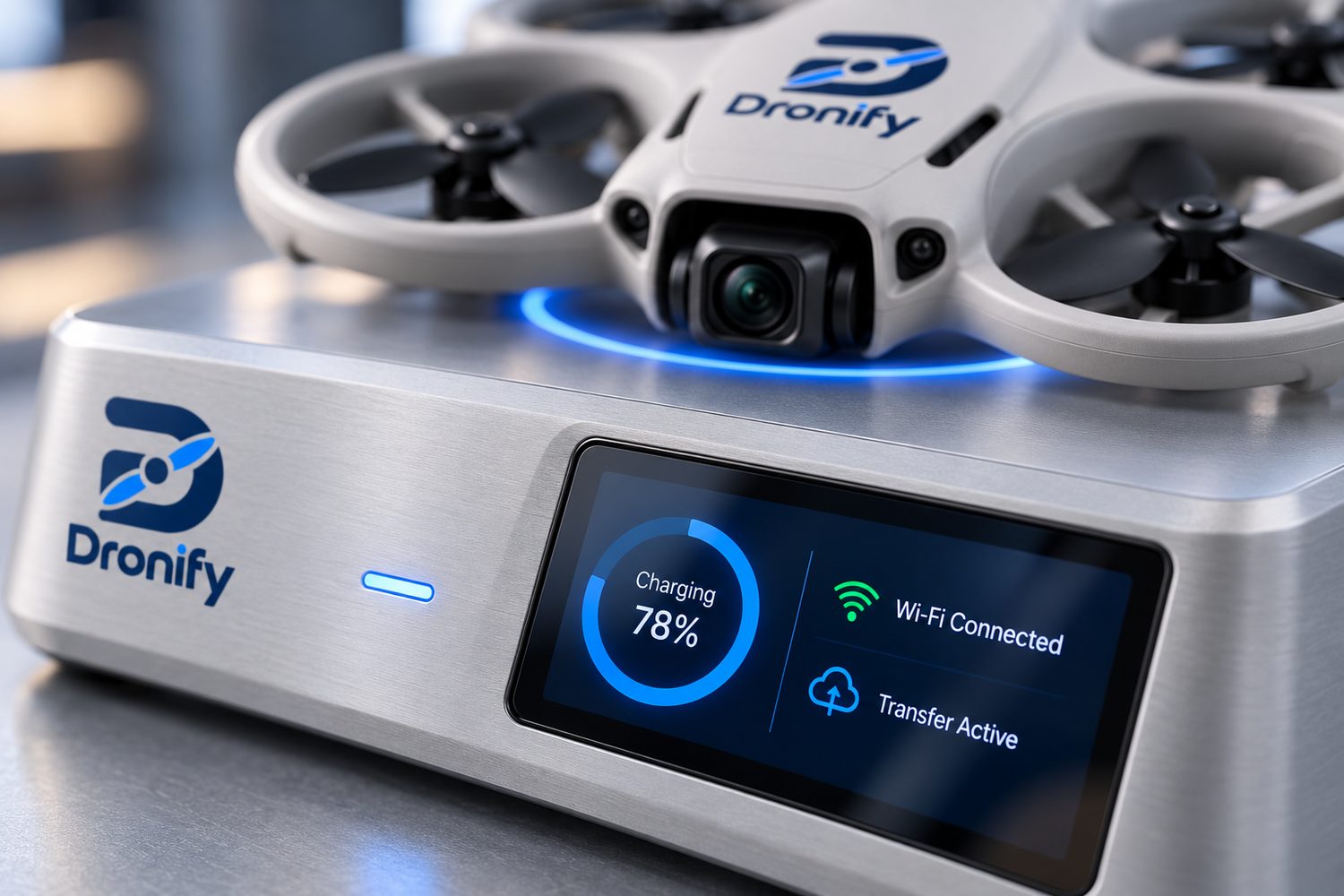
The dock is the drone’s home base. It guides the landing, recharges the battery and sends the images on. Try each stage below.
STAGE 3 OF 4Images on their way
While it charges, the mission images move to the software for review.
Charging78%
Wi-Fi Connected
Transfer Active
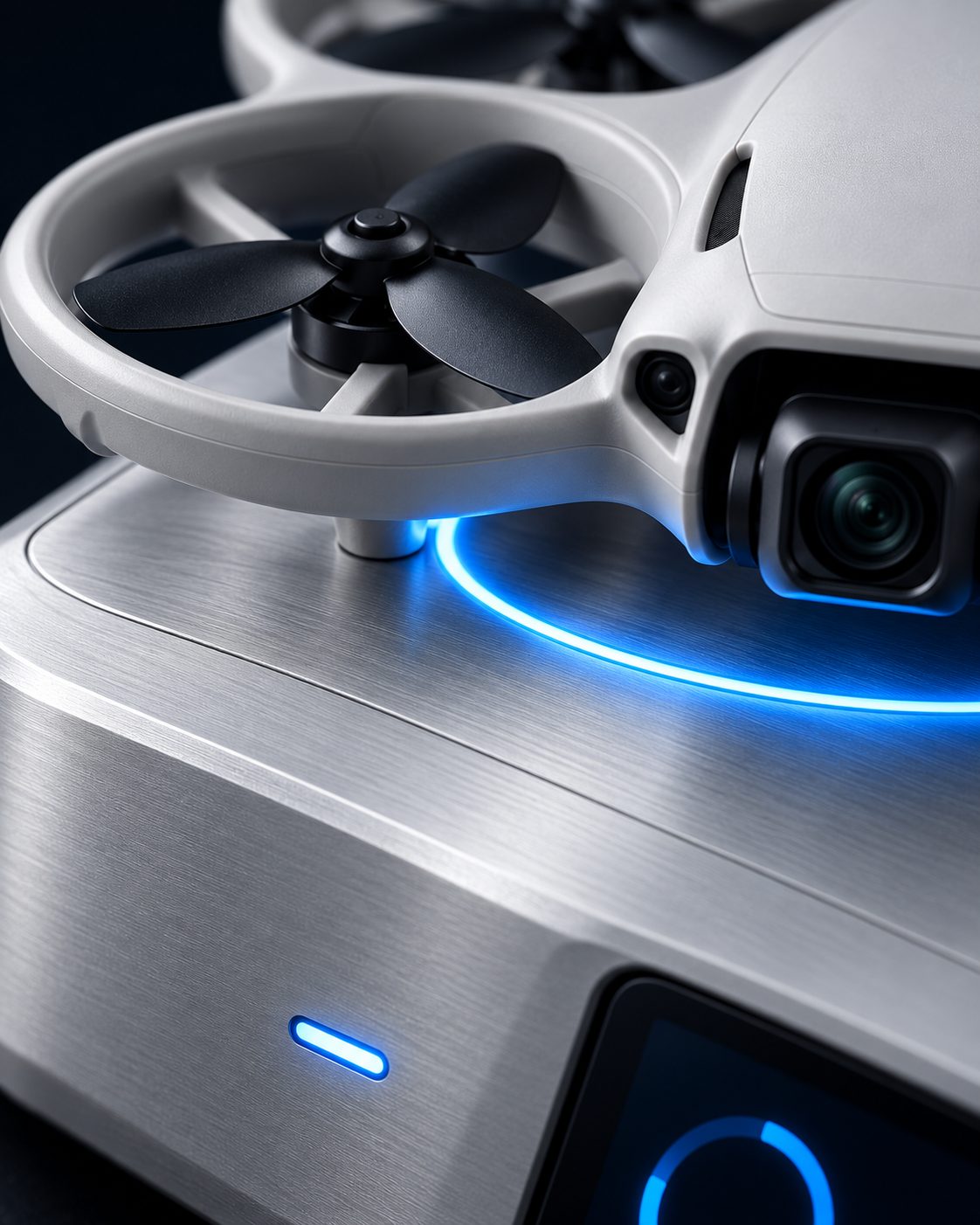
Landing haloA lit blue ring marks the landing spot and shows status at a glance.
ChargingAbout 55 minutes to recharge. Inductive charging is being developed.
ConnectivityKeeps the drone linked to the software over the site's network.
File transferMoves each mission's images off the drone as soon as it lands.
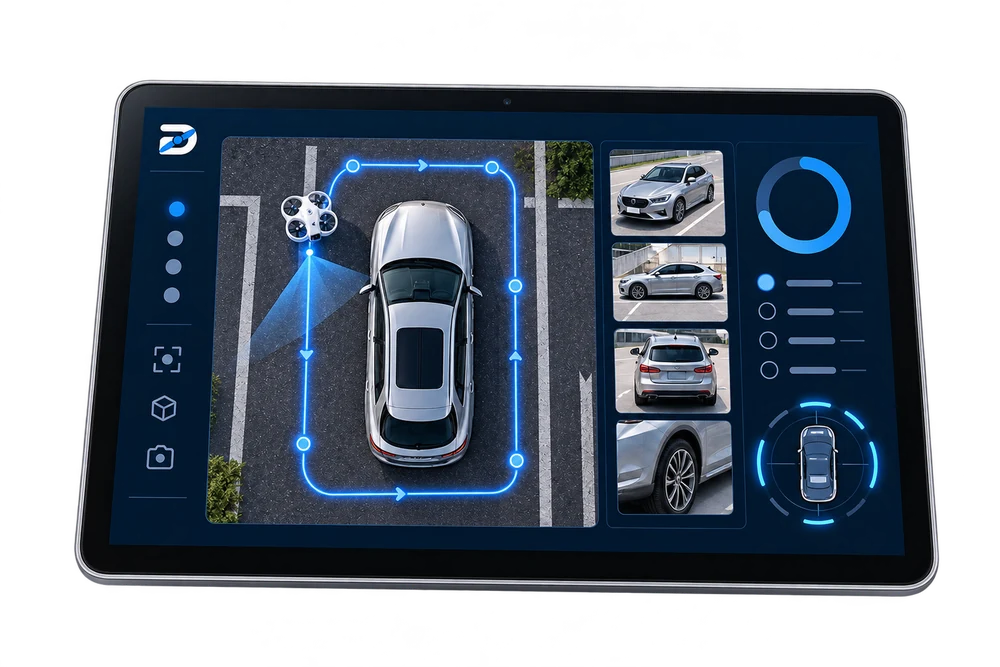
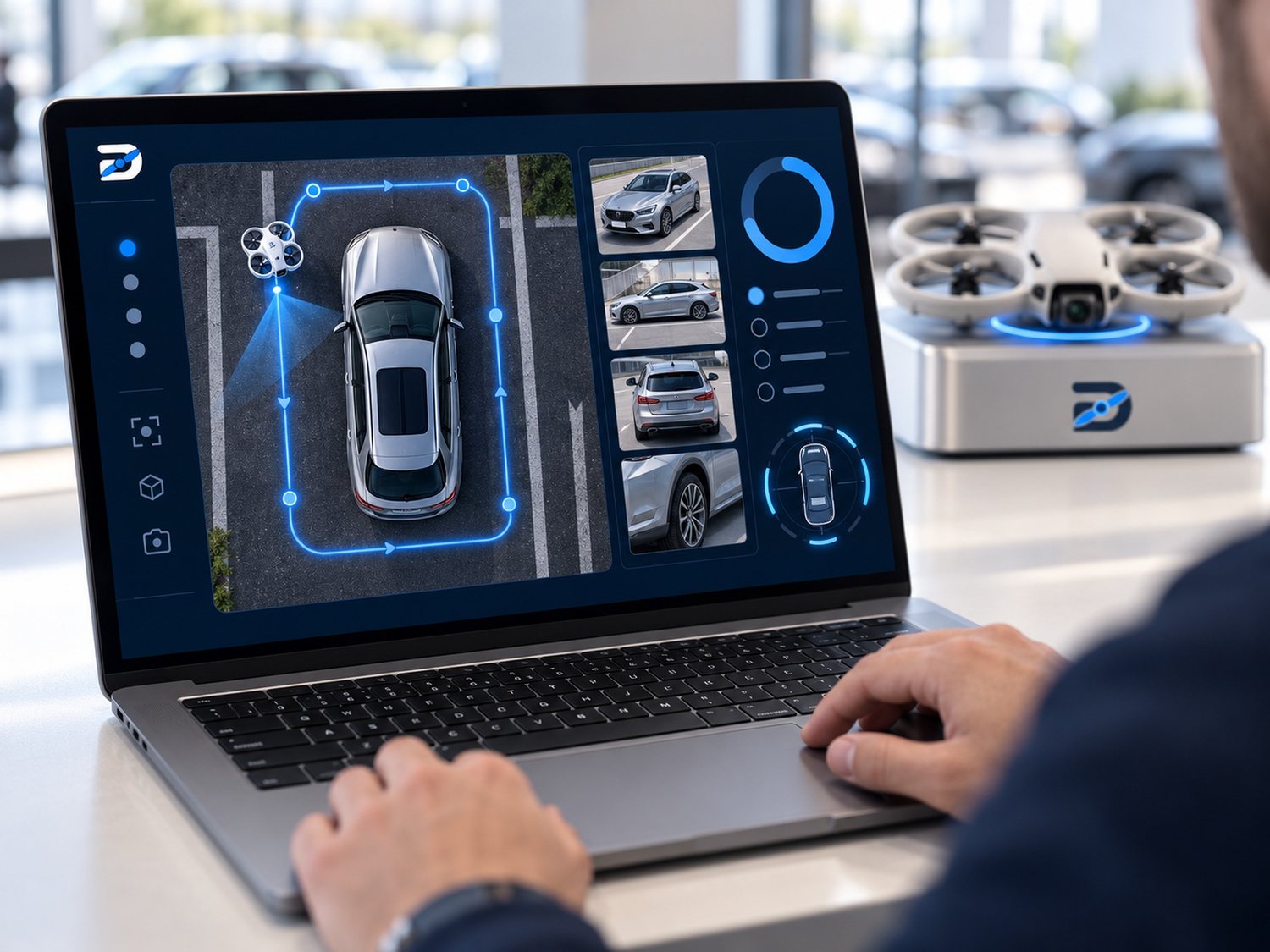
03 / THE SOFTWARE
Every mission. One place.
The software is where your team sets the task, follows the drones and reviews what they captured.
Concept interface
MISSION · BAY 02Mission complete
+ views
Staff reviewReady
SET UPMission setupDefine the operating area, the route and the views each vehicle needs. Done once per site.FOLLOWLive statusSee which drone is flying, which is charging and when the images have arrived.KEEPVehicle recordsOne record per vehicle per mission, so earlier condition is easy to find and compare.DECIDEReview and reportAI can help organise images and flag items to check. A person confirms every decision.
Access and data
Only authorised staff can start missions or open records.
Storage, retention and deletion rules are agreed with each customer.
Care for people and number plates that appear in images.
Connections to your existing tools are being explored.